DaVinci Resolve Effect · Master Series
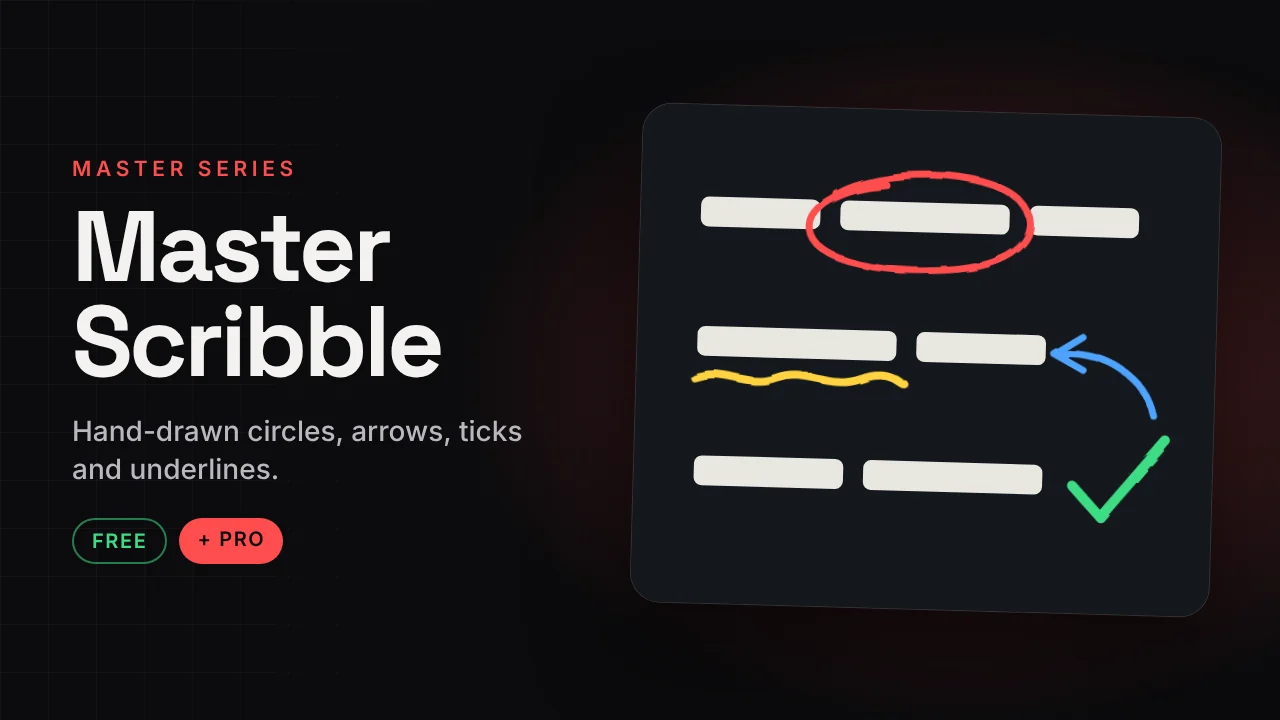
Master Scribble
Hand-drawn circles, arrows, ticks and underlines.
Point at anything on screen with a hand-drawn scribble that draws itself on. Set two points, pick a style and a colour, done.
v1.1 · Pro v1.1286 KB · .zipDaVinci Resolve
Free version Free
No account needed. Email is optional.
- Hand-drawn styles with draw-on animation
- Brush, thickness and opacity controls
- Colour presets and custom colour
- Two-point placement, no keyframes
Master Scribble Pro Free now
Launch offer: the Pro version is free right now. It is in the same download.
- 20 scribble styles in one effect
- 7 ready looks: Green Tick, Marker Box, Neon Underline, Red Pen Correction, Swoosh, Teacher Chalk, YouTube Arrow
- Neon glow option
How to install
Takes about a minute.
- Download and unzip. Inside is the .drfx installer and a how-to file.
- Open DaVinci Resolve, go to the Fusion page and drag the .drfx into the viewer.
- Restart Resolve.
- On the Edit page open Effects → Effects → Hariharan.Editor → Free Plugins → Master Scribble. Drag it onto your clip.
Need help?
Tutorials and updates are on Instagram. For bugs, mail me with your Resolve version.