DaVinci Resolve Effect · Master Series
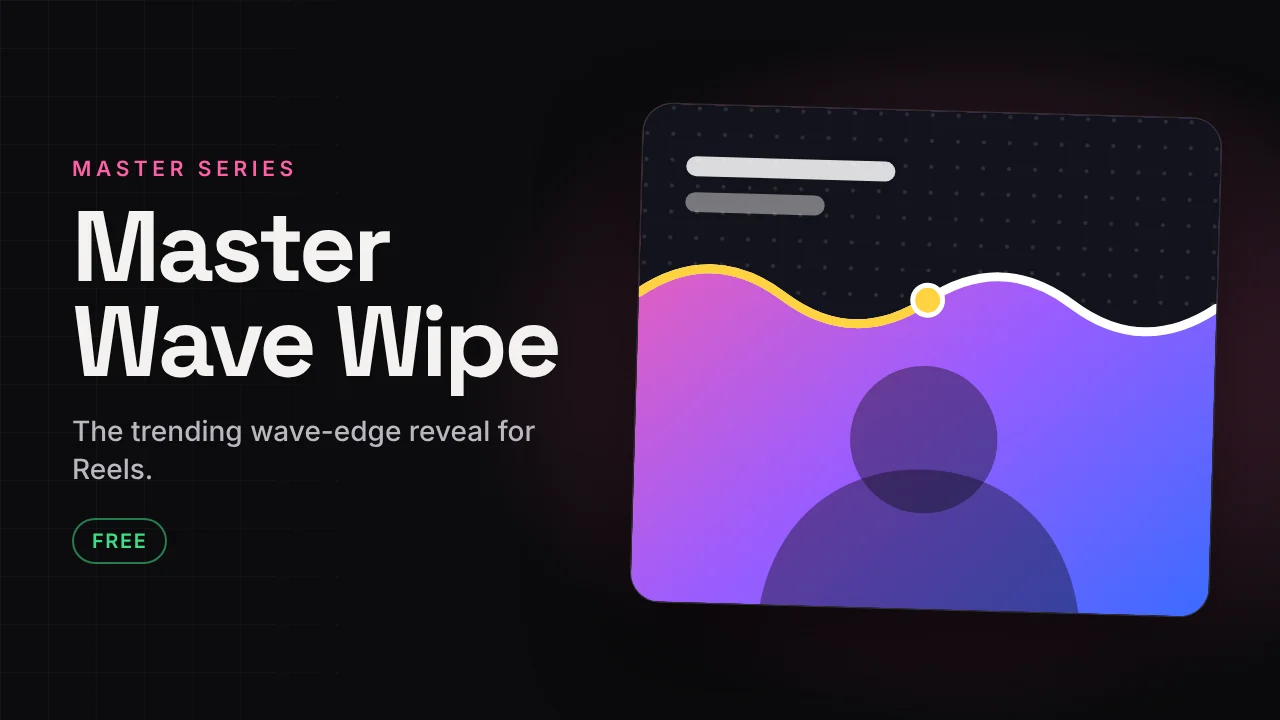
Master Wave Wipe
The trending wave-edge reveal for Reels.
The wave wipe reveal you see on Reels: the clip is wiped with a moving wave edge and a line that doubles as a progress bar. One preset, lots of looks.
v1.145 KB · .zipDaVinci Resolve · built for 9:16
Free version Free
No account needed. Email is optional.
- 7 looks and 6 edge styles
- 4 directions plus tilt
- Intro, outro and float
- Beat pulse with BPM
- Gradient, double, dashed or glowing stroke
- Progress bar, play head and chapter dots
Fully free
This plugin has no paid version. Everything is in the free download.
If it saves you time, a coffee helps me build the next one.
☕ Buy me a coffee ↗How to install
Takes about a minute.
- Download and unzip. Inside is the .drfx installer and a how-to file.
- Open DaVinci Resolve, go to the Fusion page and drag the .drfx into the viewer.
- Restart Resolve.
- On the Edit page open Effects → Effects → Hariharan.Editor → Free Plugins → Master Wave Wipe. Drag it onto your clip.
Need help?
Tutorials and updates are on Instagram. For bugs, mail me with your Resolve version.